Adding a new FFS simulator is one of the largest investments a flight academy or training organisation can make, and one of the most complex to execute. A Full Flight Simulator is not simply delivered and switched on: it has to be specified around a training need, qualified by the relevant authority, installed in a purpose-prepared room, operated by a trained team and fitted into a training network that is growing around it.
This guide sets out a step-by-step approach to full flight simulator integration for flight academies and operators expanding their pilot training infrastructure, from the first definition of training needs to the day the device becomes part of the network’s daily routine.
What does integrating a Full Flight Simulator involve?
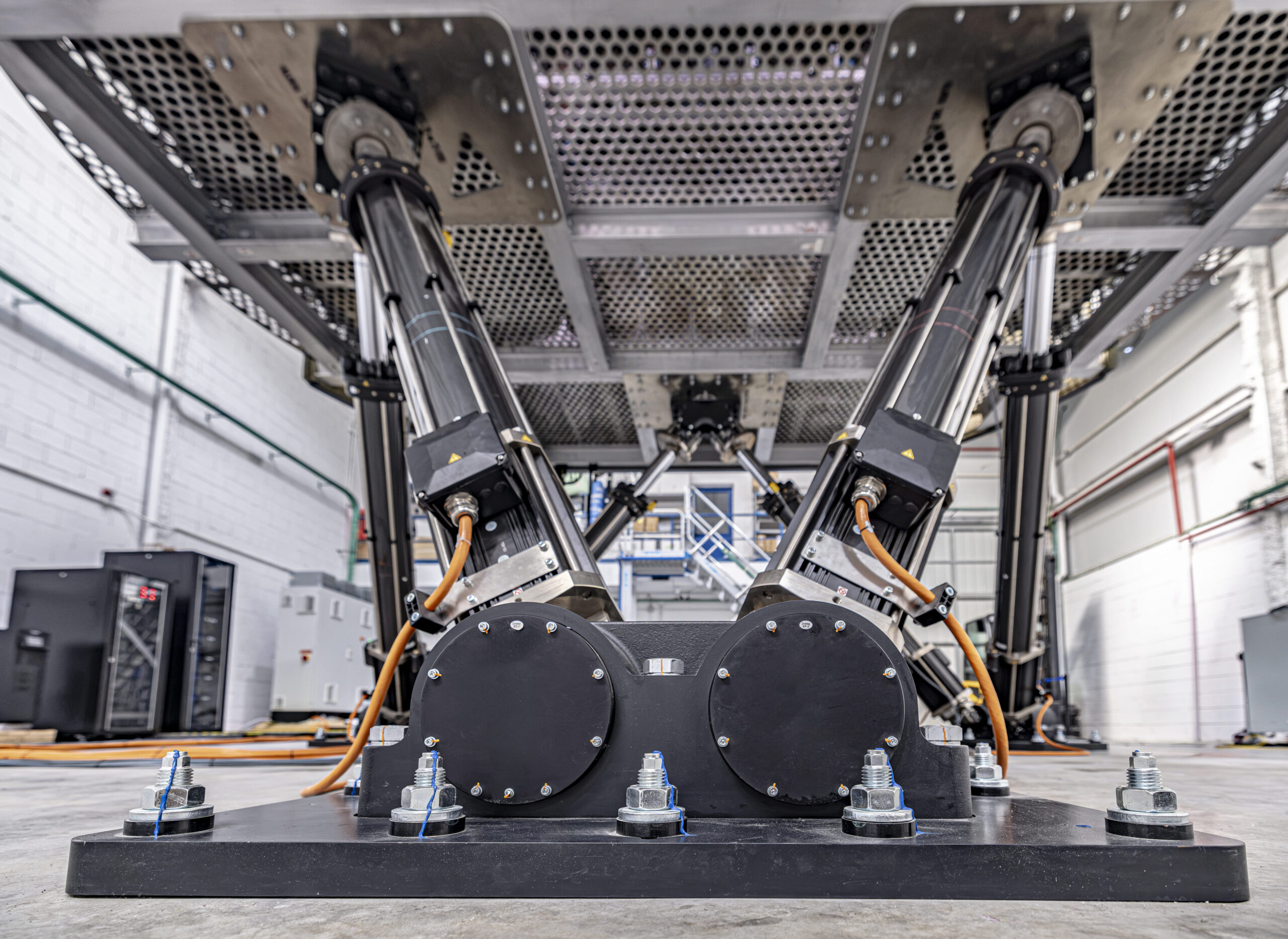
A Full Flight Simulator (FFS) is a replica of a specific type, make, model or series of aircraft. Under the FAA definition in 14 CFR Part 60, it includes a visual system and a system that provides cues at least equivalent to those of a three-degree-of-freedom motion system. In practice, integrating one means coordinating four things at the same time: the regulatory qualification, the facility, the people and the training programme.
In an expanding aviation network there is an additional challenge. The new device has to work alongside existing simulators, instructors and bases, and it has to deliver the same standard of training wherever and whenever it is used. The steps below are general good practice; the requirements that apply to a specific device depend on the authority, the aircraft and the qualification level.
Step 1: Start from the training needs, not from the device
The most effective projects begin with a clear picture of what the organisation needs to train. At entrol, customers are asked to provide a Potential Training Needs list that describes their training objectives, operational requirements and the business case behind the project. This assessment identifies the type of training the organisation intends to deliver, the operations and scenarios that must be reproduced and the capabilities required from the simulator.
Linking training needs to the regulatory framework
Once the training needs are defined, they can be linked to the applicable regulations, such as Part-FCL in the EASA framework. This shows how the intended training can be supported and what level of simulator qualification may be required. Doing this at the start helps ensure that the training objectives, the certification approach and the simulator capabilities are aligned before the project moves forward.
Step 2: Choose the right device and qualification level
The objective is not to choose the highest qualification level or the most advanced specification, but the solution that is appropriate for the organisation’s actual training requirements. In some programmes an FFS is the right choice; in others a high-level Flight Training Device or an FNPT can cover part of the programme at a lower investment, and many networks use several device types together.
Understand how the authorities qualify the device
The FAA requires that a simulator used for credit be qualified and approved for the specific training, testing or checking, for each manoeuvre or procedure and for the specific aircraft category, class or type (14 CFR 61.4). For helicopters, Part 60 defines FFS Levels B, C and D (there is no Level A helicopter FFS): Level B requires motion with a minimum of three degrees of freedom, while Levels C and D require six-degrees-of-freedom motion, with different visual requirements for each level.
Under EASA rules, the simulator is qualified by the competent authority, and the organisation that operates it has responsibilities as an FSTD operator. Qualification levels under the two frameworks are not directly interchangeable, so an organisation that needs an EASA certified FSTD and an FAA approved flight simulator should clarify with each authority what it requires.
Involve your Civil Aviation Authority early
Early discussions with the authority help confirm that the intended qualification level is appropriate for the training you want to provide, and agree the documentation and evaluation process. Leaving this to the end of the project is one of the most common sources of delay.
Step 3: Prepare the simulator room and the project plan
An FFS has specific requirements for space, power, climate control, floor loading and access, and these depend on the model and its motion system. Asking the manufacturer for the installation requirements early lets the organisation prepare the building before delivery rather than after it.
A good project plan covers transport, customs, access to the room, installation time and the factory acceptance test. A clear schedule agreed with the manufacturer reduces the time between delivery and availability for training.
Support from business case to installation
The manufacturer can support the project well before the device is installed: preparing the business case, defining the simulator configuration, and specifying the room, installation and ongoing maintenance requirements. At entrol, this support is described as covering assistance during purchase, the manufacturing process, the simulator room, logistics and installation, and certification support.
Step 4: Complete acceptance and certification
Certification normally combines the qualification documentation (such as the MQTG), tests on site and an evaluation by the authority. Any discrepancies found during the evaluation must be corrected and documented. Manufacturer assistance with this process can shorten the path to a qualified device.
entrol’s support page lists a preliminary MQTG, on-site certification assistance and correction of discrepancies as part of its certification support, together with an FSTD operator (FSTDO) service. Its simulators are integrated at its headquarters in Madrid and pass a factory acceptance test before delivery.
Step 5: Prepare the people who will operate the simulator
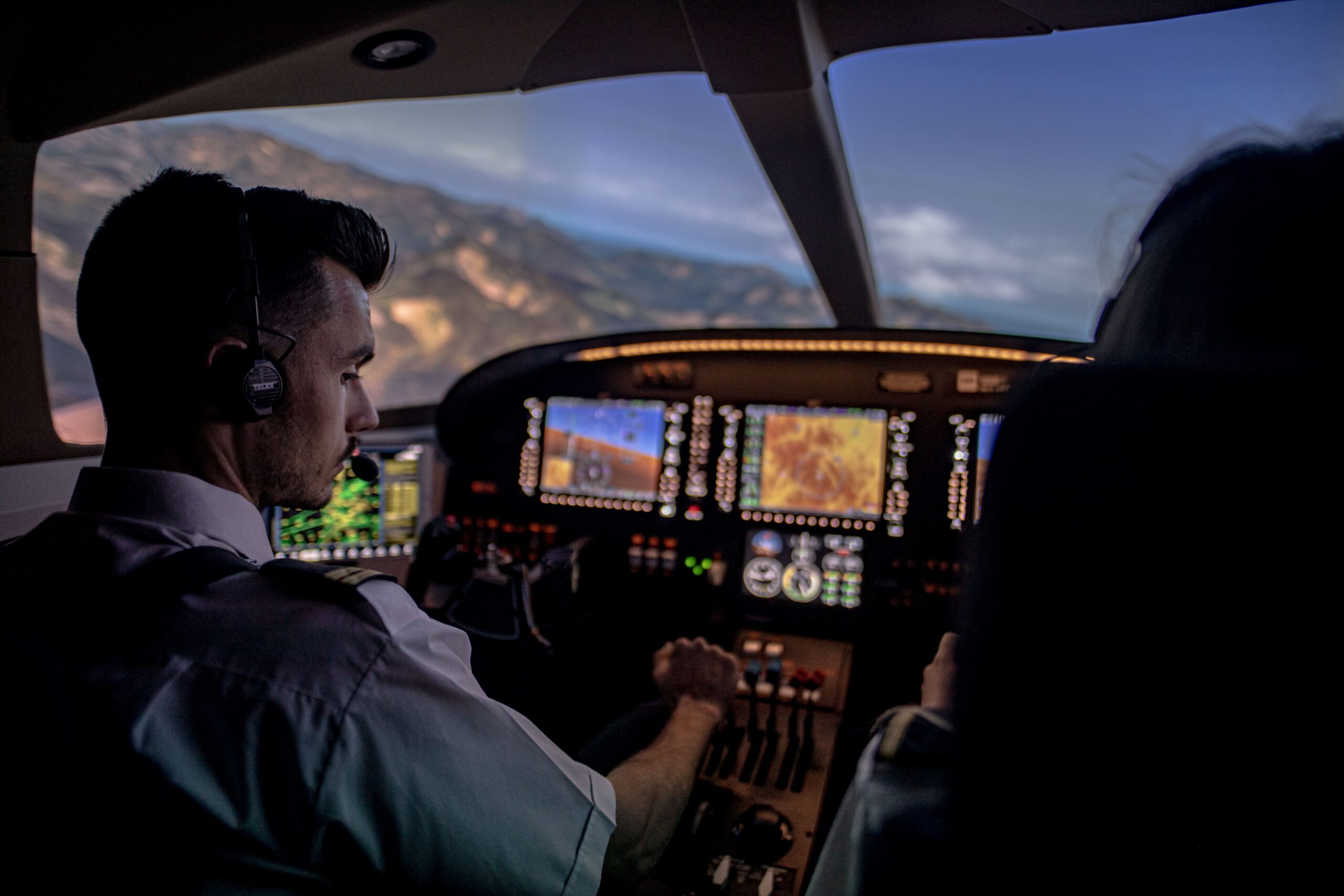
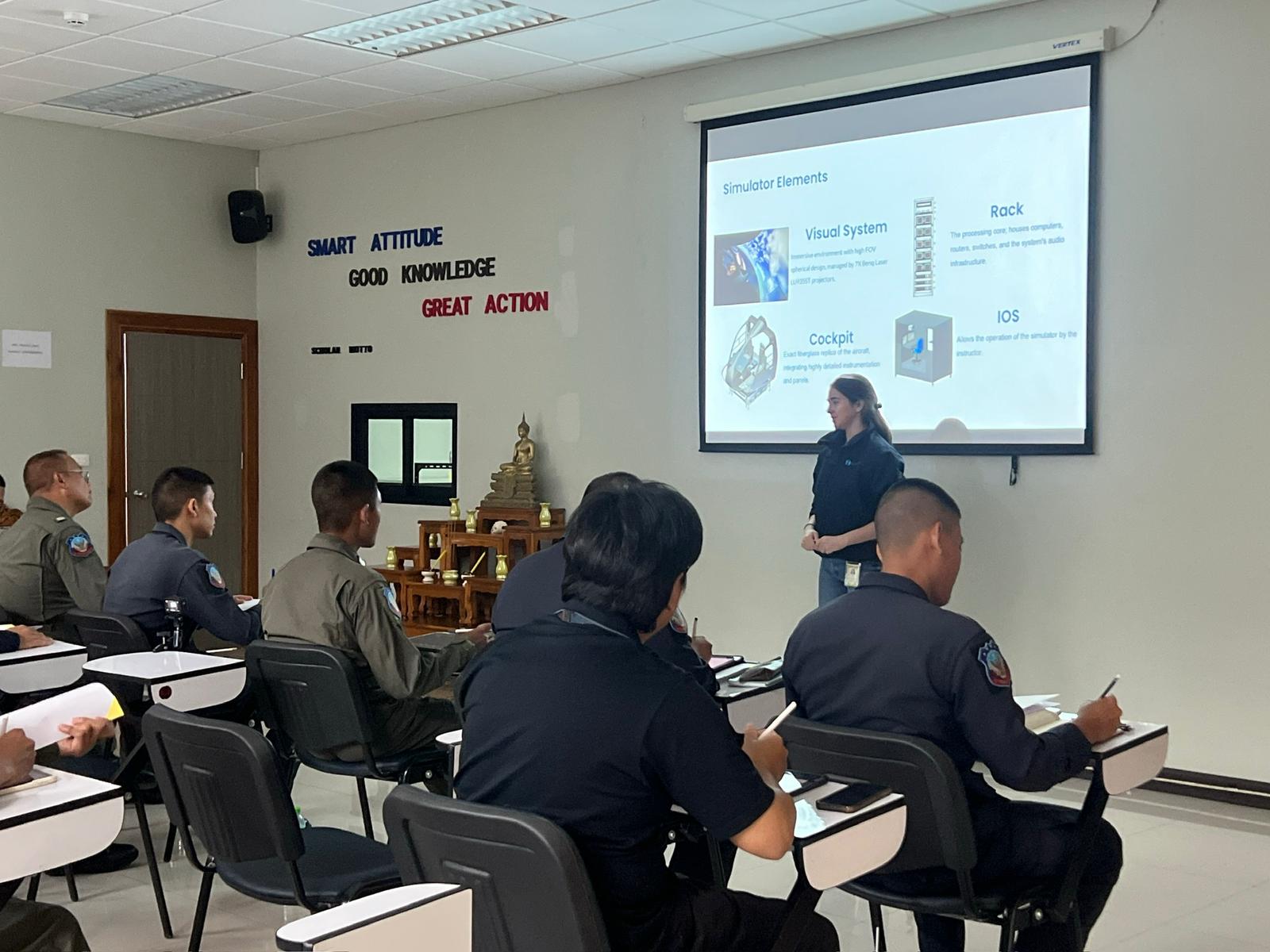
A qualified simulator still depends on the people around it. Define who is responsible for day-to-day operation, configuration control and records, train the technicians who will maintain the device, and make sure instructors are familiar with its tools and its approved capabilities.
Maintenance and technical support
Regular maintenance is essential to preserve simulator performance and availability, particularly for devices used intensively for training. For international operators and expanding networks, having support capabilities closer to the simulator can make a significant difference. entrol has maintenance centres in Madrid and Monterrey, and its support page also lists a spare parts service, remote access for software corrections, navigation database updates, automatic QTGs for recurrent certifications and training for FSTD technicians.
Technology under the manufacturer’s control
Over the life of a simulator, components, suppliers and requirements change. When the manufacturer develops its core technology in-house, it has greater control over how the system evolves. entrol states that, thanks to its in-house technology, it supports its customers throughout the simulator’s lifetime.
Step 6: Integrate the simulator into the network
The last step is operational. Decide how the FFS will be scheduled alongside existing devices, how students and crews will travel between bases, which tasks will be trained on which device, and how recurrent qualification will be planned. In a growing network, the aim is that every base and every crew trains to the same standard, using the right device for each task.
Who does what: a summary
| Stage | Operator’s role | Manufacturer’s typical role |
| Training needs and specification | Define programme, hours and qualification needed | Advise on configuration and options |
| Authority engagement | Lead the relationship with the authority | Provide technical documentation |
| Facility | Prepare the room and utilities | Provide installation requirements |
| Delivery and installation | Coordinate site access | Coordinate site access |
| Certification | Act as FSTD operator and host the evaluation | Assist with documentation and on-site certification |
| Operation | Staff, schedule and keep records | Train technicians; provide long-term support |
Choosing a partner for a long-term integration
A new FFS is the beginning of a relationship with the manufacturer rather than the end of a purchase. Before committing, ask which qualification level and which authorities the specific model has been qualified under, what certification assistance is included for the initial and recurrent evaluations, what the installation requirements are, whether technician training is provided, and what support is available after delivery.
entrol develops professional flight simulators for flight schools and operators worldwide, with AATD, FNPT, FTD and FFS devices for airplane and helicopter training, and works with customers from the definition of their training needs through certification and long-term support. For an organisation expanding its network, choosing the manufacturer means choosing a partner that can support the simulator throughout its operational life.
How long does it take to integrate a new FFS?
There is no single answer. The timeline depends on the model, the facility works, logistics and the authority’s evaluation schedule. Ask the manufacturer for a project plan for the specific device and agree the timeline with the authority.
Who qualifies a Full Flight Simulator?
The competent authority qualifies the device: for example the FAA under 14 CFR Part 60, or the competent authority under EASA rules. The qualification applies to the specific device and the tasks for which it is approved.
Can one simulator be qualified by both EASA and the FAA?
Qualification levels under the two frameworks are not directly interchangeable. Whether a device can hold both depends on the authorities’ requirements, so clarify this with them and with the manufacturer at the specification stage.
What is the difference between an FFS and an FTD?
Under the FAA definitions, an FFS includes a visual system and motion cues, while an FTD is a replica of aircraft instruments, equipment, panels and controls, and its definition does not mention motion. Both are qualified for specific levels and tasks.